How to Optimize eBay Listings for Mobile Shoppers
5 min read Updated September 2024
Your eBay listing might look perfect on your computer. But what does it look like on a smartphone?
That's an important question for every eBay seller.
Buyers aren't always sitting at a desk when they're shopping. They're browsing products while commuting, taking a break at work, sitting on the couch, or comparing products from their phones.
If your listing is difficult to read or navigate on a small screen, you could lose a potential buyer before they ever get to the important details.
The good news is that creating a mobile-friendly eBay listing doesn't have to be complicated.
In this guide, we'll look at practical ways to optimize your eBay listings for mobile shoppers—from product images and descriptions to HTML templates and overall listing design.
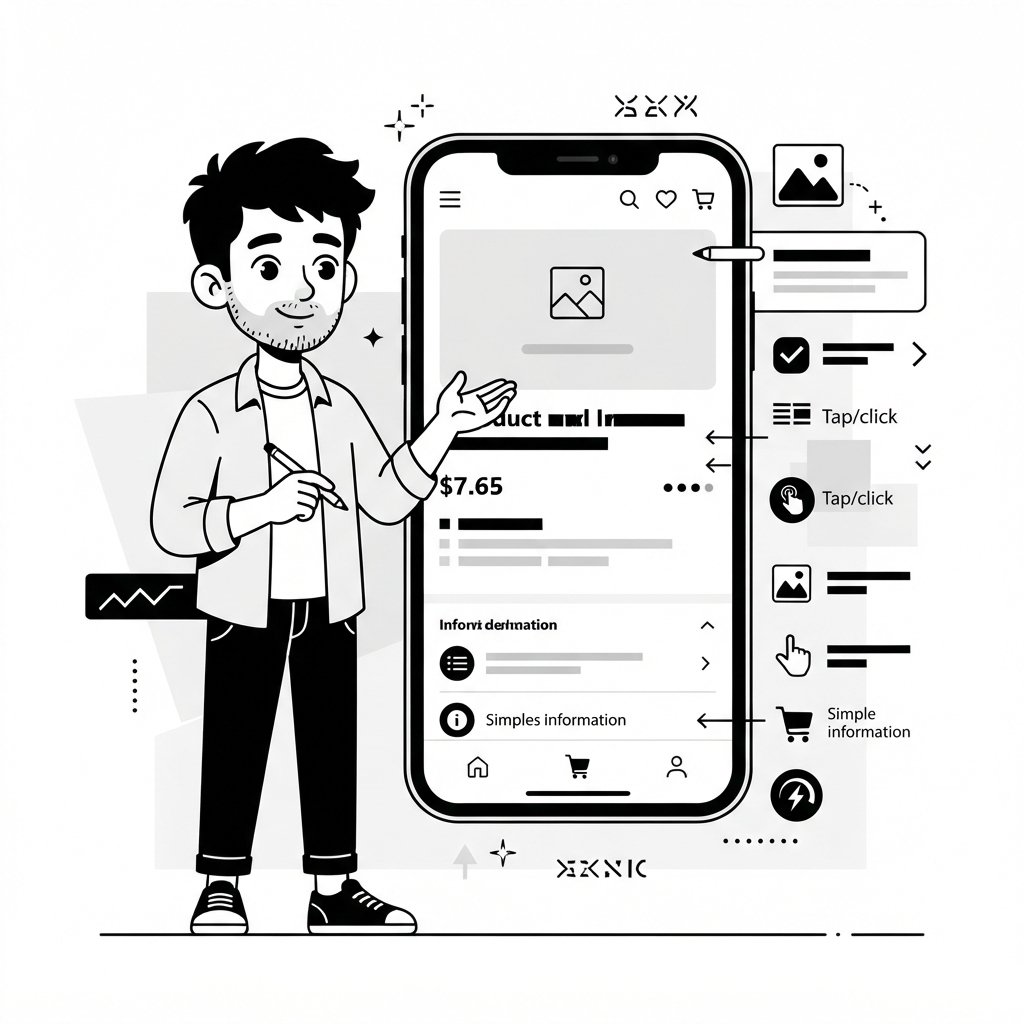
Why Mobile Optimization Matters for eBay Sellers
Think about how different it is to view a webpage on a 27-inch monitor compared with a 6-inch smartphone.
On a desktop, there's plenty of room for:
- Wide images
- Multiple columns
- Large content sections
- Side-by-side product information
- Large banners
On a smartphone, that same design can quickly become difficult to use.
Images may become too small.
Text may become difficult to read.
Content can extend beyond the screen.
Buyers may have to zoom in or scroll horizontally.
And when shopping online, friction can cost you sales.
A mobile-friendly listing should allow buyers to quickly understand what you're selling without fighting with the layout.
1. Keep Your Listing Layout Simple
One of the biggest mistakes sellers make is trying to put too much into a listing.
A good mobile listing doesn't need dozens of design elements.
Instead, think about information hierarchy.
A buyer should be able to quickly find:
What the product is
What condition it's in
Its most important features
What's included
The specifications
Shipping information
Return information
Your listing should guide the buyer through the information naturally.
A simple structure could look like this:
Product Image
Product Overview
Key Features
Specifications
What's Included
Shipping & Returns
This structure works particularly well on smaller screens because buyers can scroll through clearly separated sections.
2. Make Your Product Images Mobile-Friendly
Product images are one of the most important parts of an eBay listing.
On mobile, they're even more important because the image may occupy a significant portion of the screen.
Avoid unnecessarily complicated image layouts.
Your primary product image should:
- Clearly show the product
- Have good lighting
- Be sharp and high quality
- Make the product easy to identify
- Avoid excessive text or graphics
Additional images should show important details from different angles.
For used products, consider showing scratches, wear, defects, labels, serial numbers, or other details that buyers may need to evaluate the item's condition.
Don't make buyers hunt for the important details.
Your images should help answer questions before the buyer needs to ask them.
3. Use Readable Text
Desktop-sized text doesn't always translate well to mobile.
If your listing uses an HTML template, make sure your text remains comfortably readable on smaller screens.
Avoid:
- Extremely small fonts
- Long blocks of text
- Excessive capitalization
- Decorative fonts
- Low-contrast text
- Huge headings that take up most of the screen
Instead, use clear typography and reasonable spacing.
Your goal isn't to fit as much information as possible onto one screen.
Your goal is to make the information easy to consume.
4. Break Long Descriptions Into Sections
A giant block of text is difficult to read on any device.
On mobile, it's even worse.
Instead of writing one long description, divide your content into logical sections.
For example:
Product Overview
Briefly explain what the product is and who it's for.
Key Features
Feature one
Feature two
Feature three
Feature four
Specifications
Brand
Model
Size
Color
Material
Condition
Clearly explain whether the item is new, used, refurbished, or otherwise.
What's Included
List exactly what the buyer will receive.
This makes your listing much easier to scan.
5. Avoid Fixed-Width HTML
This is particularly important if you're using an eBay HTML listing template.
A fixed-width design might look fine on a desktop but extend beyond the edge of a smartphone screen.
For example, imagine creating a listing that is designed around a fixed 1,000-pixel-wide layout.
On a desktop, it may look great. On a smartphone, the buyer may have to scroll horizontally just to see the entire listing.
That's a terrible experience.
Use responsive layouts instead. A responsive design adapts to the available screen size.
Images resize.
Content sections adjust.
Columns can stack vertically.
The result is a listing that remains usable across different devices.
6. Make Buttons and Important Elements Easy to Tap
Mobile shoppers use their fingers—not a mouse.
That means clickable elements need enough space to interact with comfortably.
Avoid placing multiple small buttons or links tightly together.
Important elements should have sufficient spacing.
This is especially relevant if your HTML listing template includes:
- Product links
- Promotional sections
- Store links
- Navigation elements
- Calls to action
The buyer shouldn't have to zoom in just to tap something.
7. Put Important Information Where Buyers Can Find It
Mobile shoppers often scan rather than read everything.
That means important information should be visually prominent.
For example, if your product has a particularly important feature, don't bury it halfway through a huge paragraph.
Highlight it using:
- Headings
- Bullet points
- Short sections
- Bold text
- Simple icons
You don't need complicated graphics.
Good organization is often more effective than elaborate design.
8. Don't Overload Your Listing With Design Elements
There's a difference between professional design and visual clutter.
Adding more elements doesn't automatically make a listing better.
Avoid filling your listing with:
- Large banners
- Excessive graphics
- Too many colors
- Animated elements
- Decorative backgrounds
- Unnecessary icons
- Huge blocks of promotional content
Remember:
The product should be the focus.
Your design should support the product—not compete with it.
9. Keep Your Listing Consistent
If you sell multiple products, consistency can make your store feel much more professional.
Imagine browsing a seller's listings and seeing:
- One listing with blue headings
- Another with red banners
- Another with completely different fonts
- Another with a different layout
It can feel like you're dealing with several different sellers.
A reusable eBay listing template can help solve this.
You can create a consistent structure for:
- Product descriptions
- Features
- Specifications
- Shipping information
- Returns
- Store branding
Then reuse that structure across your products.
This doesn't just save time.
It also reduces the chance of forgetting important information.
10. Test Your Listings on a Smartphone
Before publishing an important listing, open it on your smartphone.
Don't just look at the desktop version and assume everything will be fine.
Check:
Images
Are they properly sized?
Text
Can you comfortably read it?
Layout
Does anything extend beyond the screen?
Sections
Can you easily find important information?
Links
Are they easy to tap?
Overall experience
Would you be comfortable buying from this listing?
That last question is particularly important.
Don't test your listing like a seller. Test it like a buyer.
Using an eBay Listing Template for Mobile Optimization
If you're selling multiple products, manually formatting every listing can become a major chore.
You might fix your layout today only to recreate the same work tomorrow for another product.
This is where reusable HTML listing templates can make a big difference.
Instead of designing each listing individually, you can create a structure once and reuse it.
With Vlox, you can visually create eBay listing templates using a drag-and-drop editor rather than building the entire design from scratch with HTML code.
You can create reusable sections for:
- Product information
- Features
- Specifications
- Images
- Shipping
- Returns
- Store branding
Then customize the product-specific information for each listing.
The result is a more consistent workflow and a more consistent buyer experience.
👉 Create your eBay listing template with Vlox:
https://vlox.net/
Mobile Optimization Isn't Just About Design
It's easy to think of mobile optimization as simply making things "fit on a phone."
It's more than that.
A good mobile listing should reduce the amount of effort required from the buyer.
They shouldn't have to:
- Zoom in to read the description
- Scroll sideways
- Search through giant paragraphs
- Figure out what's included
- Hunt for specifications
- Decode a complicated layout
Instead, the information should be presented in a way that makes sense naturally.
Clear information. Easy navigation. Strong product presentation.
That's what a good mobile listing should accomplish.
Ready to boost your sales?
Start Using eBay Listing Templates Today
Transform your eBay listings with professional templates that convert browsers into buyers.